
Winbox Referrer QR Code and Referrer UID
A referrer is the upline UID you register under when you create a Winbox account. You can scan the QR code or type the referrer UID by hand; both do the same thing.
- Steps
- 3
- Referrer UID
- GLANG38M
How to Add a Referrer
-
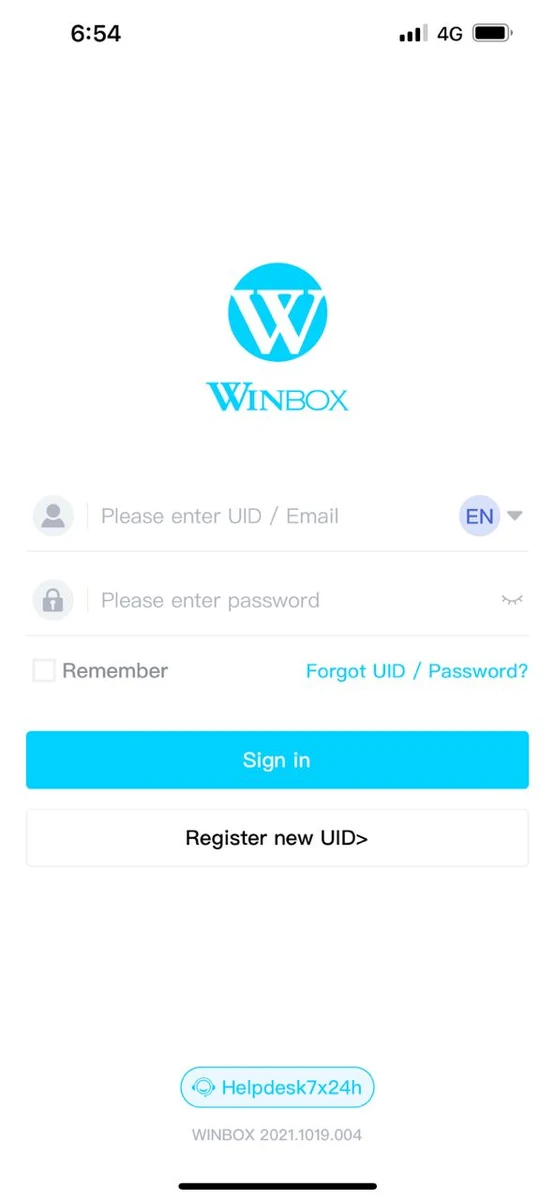
In Winbox, tap “Register new UID”.
-
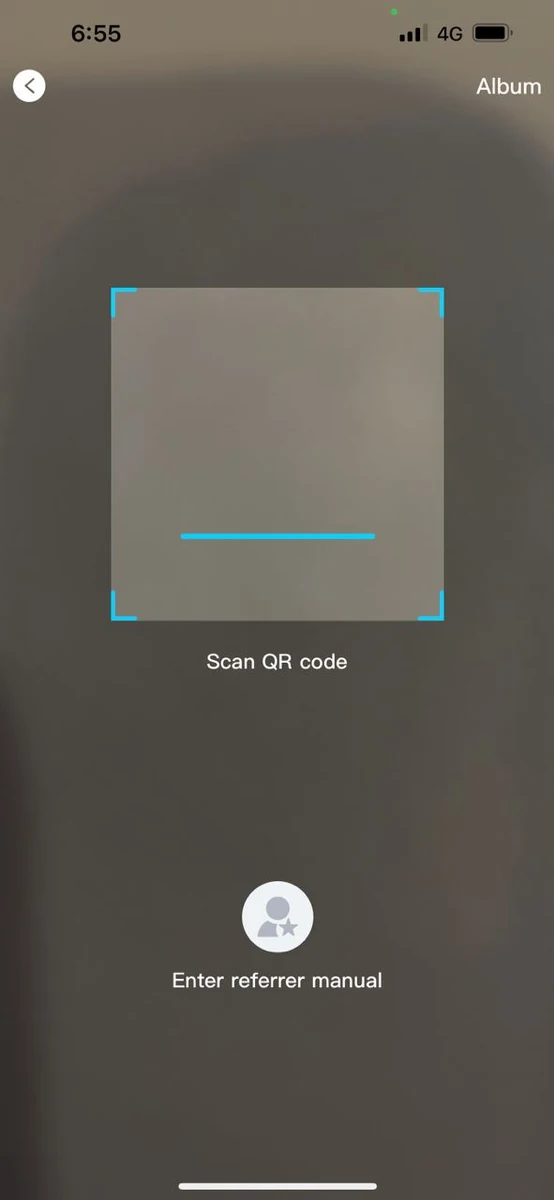
Scan the QR code on this page, or tap “Enter referrer manual”.
-
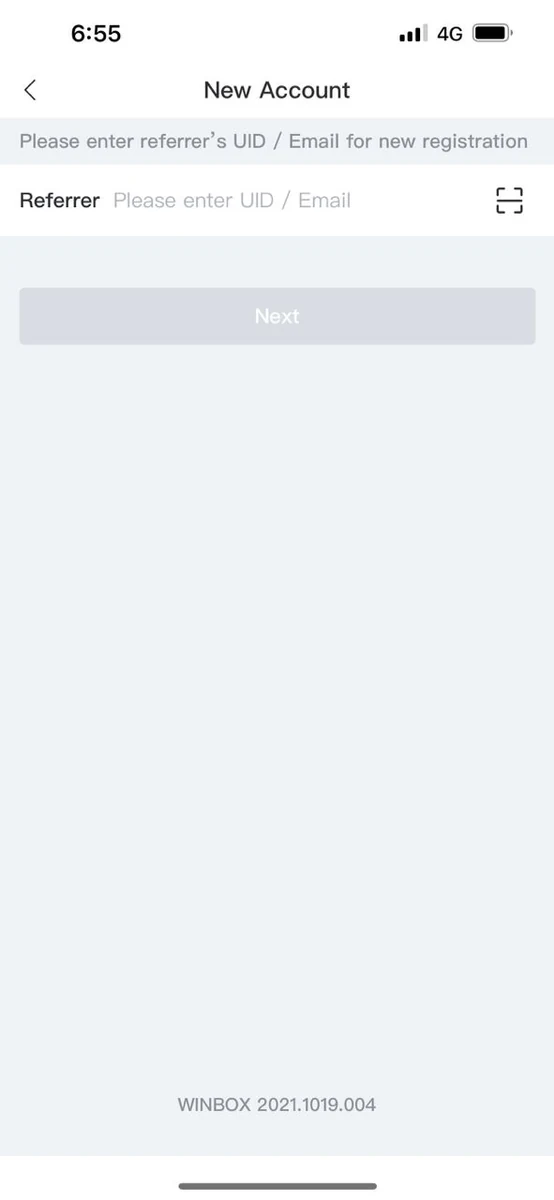
Enter the referrer UID: GLANG38M.
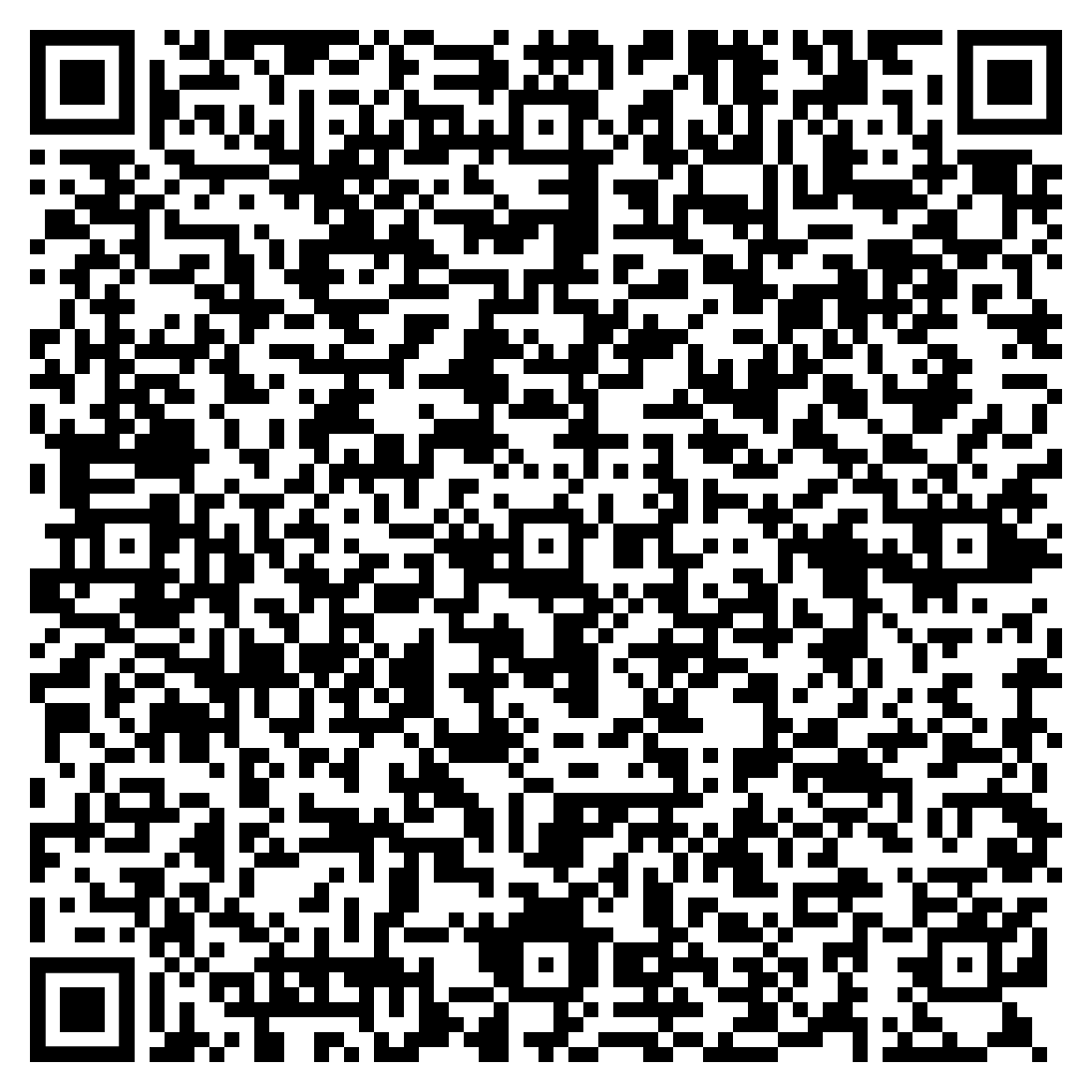
Winbox Referrer QR Code
Scan this code in step 2, or enter the referrer UID by hand:
Referrer UIDGLANG38M
Still Need Help?
Winbox customer support is online 24/7. You can also browse the frequently asked questions.